
A closer connection.
A stronger Sindh.
عوام کی خدمت، آپ کی دہلیز پر
Stay connected with Governor House, Sindh.
Download the Android app directly to your phone.
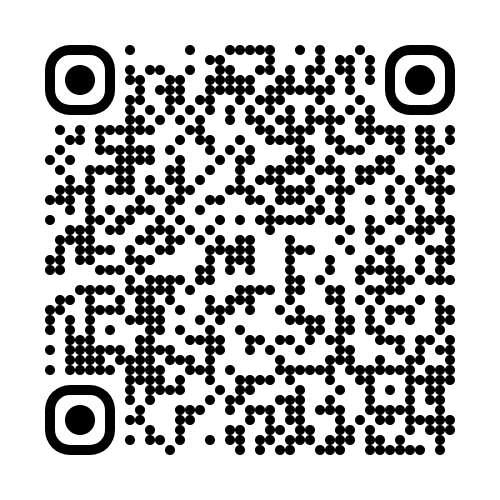
Point your phone camera at the code to open Khidmat-e-Sindh on Google Play.
اسکین کریں اور گوگل پلے سے ڈاؤن لوڈ کریں
Keep Google Play Protect enabled when installing.

Counts reflect download requests, not completed installations. Today follows Pakistan time.
Governor House.
Within your reach.
Discover the work of Governor House through its official website, from public initiatives to news and important announcements.
Public initiatives
Explore programmes and initiatives shared by Governor House.
Explore on the official websiteNews & events
Read announcements, official engagements and the latest updates.
Explore on the official websiteNotices & information
Find published notifications, circulars and public information.
Explore on the official websiteReady in
four simple steps.
Khidmat-e-Sindh is available on Google Play. Here’s how to get started on your Android phone.
Install only from the Google Play link or QR code on this page. If the app name or developer looks unexpected, stop and contact Governor House.
Open Google Play
Tap Download for Android above, or scan the QR code with your phone camera. The Khidmat-e-Sindh page opens in the Play Store.
Check it’s the official app
Make sure the listing shows Khidmat-E-Sindh by Softologics before you install.
Tap Install
Google Play downloads and installs the app for you. Sign in to your Google account first if Play asks you to.
Open and get started
Tap Open in Google Play, or find Khidmat-e-Sindh on your home screen. Review any permission requests when the app asks.
A few things to know.
Can I install this on an iPhone?
No. Khidmat-e-Sindh is currently available for Android phones through Google Play. You can visit the Governor House website from your iPhone.
Will the app update automatically?
Yes. Google Play keeps the app up to date unless you have turned off automatic updates. You can also open the app’s Play Store page and tap Update.
What do the download counters measure?
The counters show downloads of the direct APK file this website offered earlier. Installs from Google Play are counted by Google Play and are not included here.
Google Play says the app isn’t available. What should I do?
Your Android version may not be supported yet. Update your phone and the Play Store app, sign in to Google Play, then try the link again. If it still isn’t available, use the official contact details alongside this section.